Photo dance AI — make a picture dance
PhotoToDance is a photo dancing app and AI image-to-dance video generator. Upload a dance reference clip plus your photo — we copy the choreography onto your image and export a 720×1280 vertical MP4 for TikTok, Reels, and Shorts.
From $0.50 per video · 8 credits/sec · No subscription · Adults 18+
See photo dance AI in action
Reference clip + still photo ? vertical dance video where your image performs the moves.
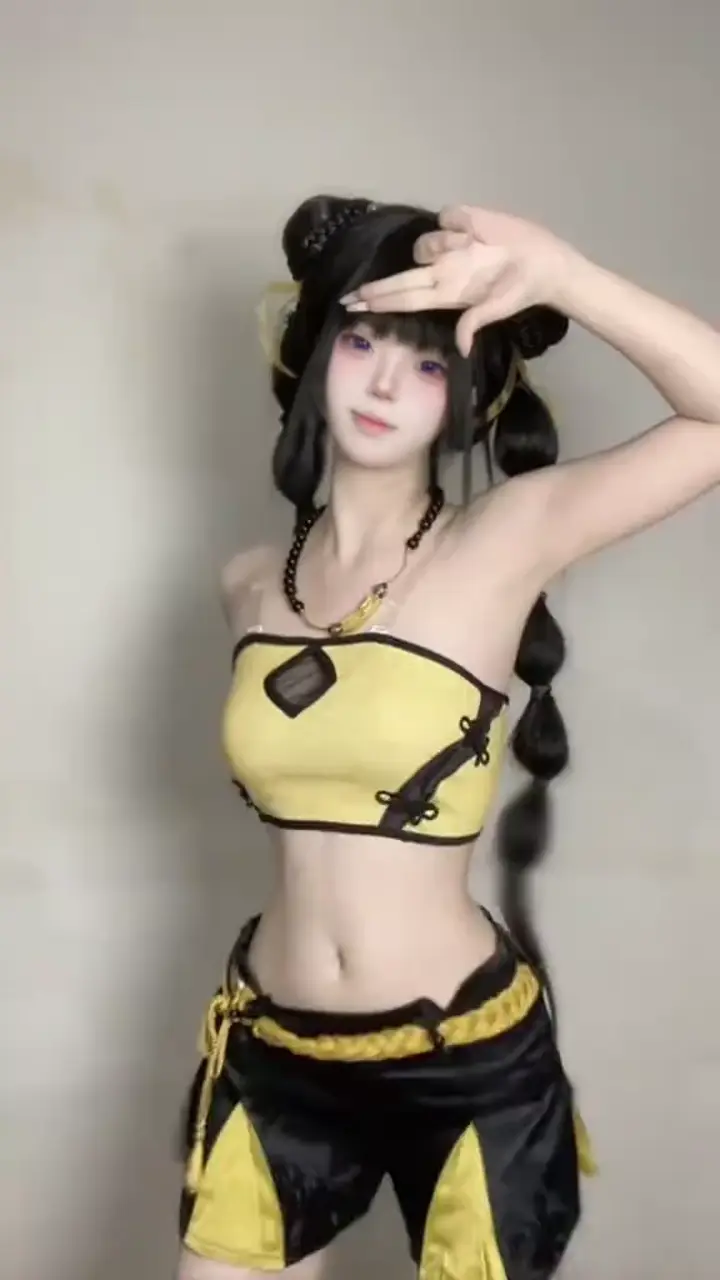
Dance / motion reference clip
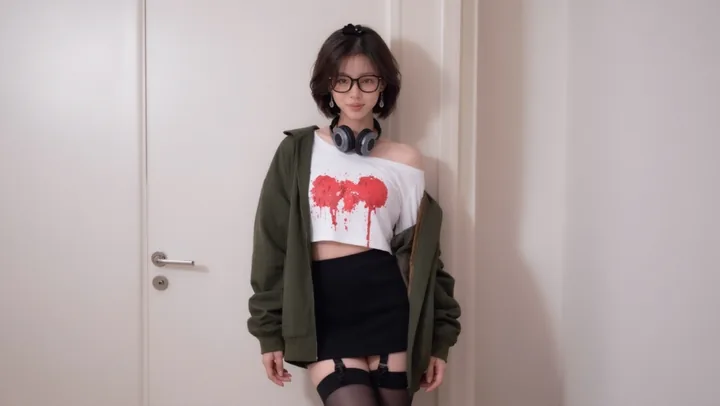
Character, cosplay, or influencer photo
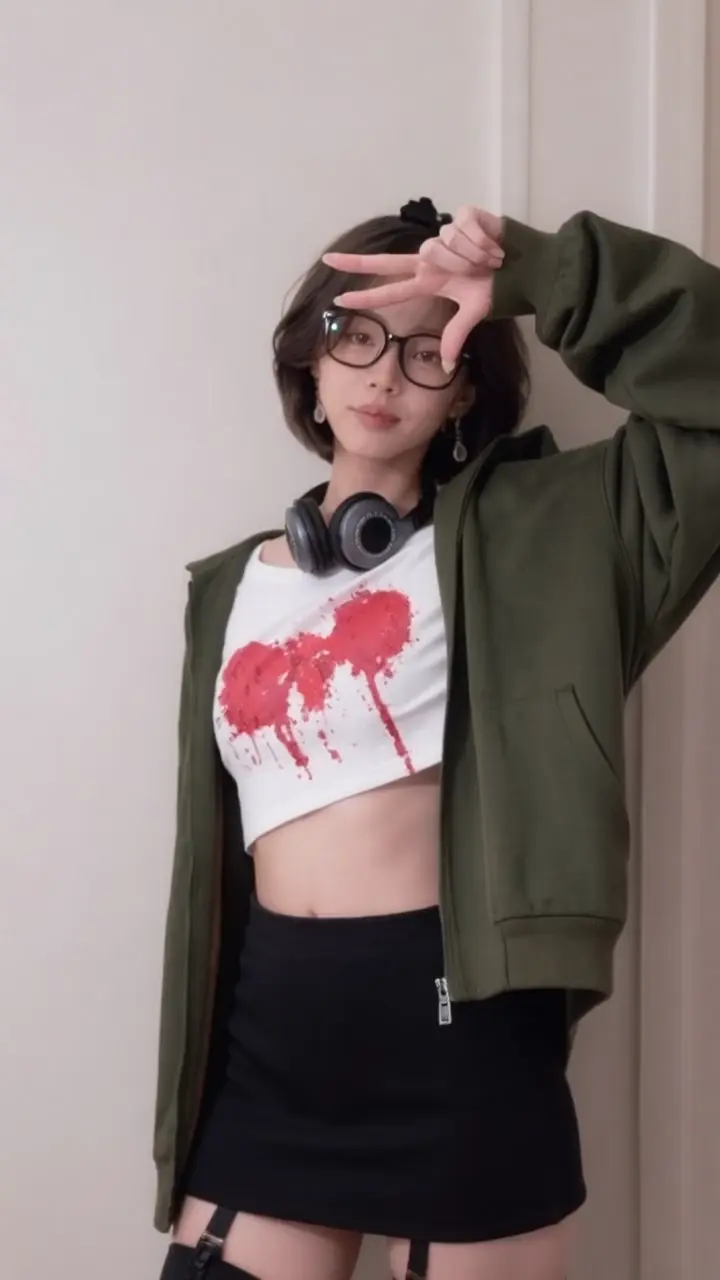
720×1280 photo dance result
How to make a photo dance with AI
Most “photo dance” tools invent movement from a text prompt. PhotoToDance uses reference-video motion transfer: you supply a real dance clip and a still photo, and the AI maps timing, limb movement, and rhythm from the clip onto your picture.
- Sign in with Google and open Studio
- Upload your dance reference as MP4 (up to 15 seconds)
- Upload your photo as PNG or JPG (full-body or clear upper-body works best)
- Confirm the credit estimate, generate, and download your vertical dance video
Failed jobs are not charged. Pricing is 8 credits per second of reference length (50 credits minimum — about $0.50). See pricing for plans and packs.
What is a photo dancing app?
A photo dancing app turns a still image into a dance video. PhotoToDance is built for creators who need exact choreography — not random animation — by copying motion from a reference TikTok, Reel, or custom clip onto their character photo.
Who uses photo dance AI?
- TikTok creators — join dance trends without filming yourself
- Cosplayers & VTubers — make a character photo perform a specific routine
- Influencers — batch vertical Reels and Shorts from reference clips
- Fan editors — turn still images into image-to-dance videos
Photo dance vs text-to-video
| PhotoToDance (photo dance) | Typical text-to-video | |
|---|---|---|
| Motion source | Your reference dance / motion MP4 | Text prompt guesses movement |
| Choreography | Follows the clip’s timing and moves | Unpredictable / invented |
| Best for | Trends, exact dances, character motion copy | Open-ended creative shots |
| Output | 720×1280 vertical MP4 | Varies by tool |
Tips for better photo dance results
- Use a clear subject photo — face and limbs visible, not heavily cropped
- Keep reference clips short (5–10s) for faster, cheaper generations
- Match framing: full-body dance references pair best with full-body photos
- You must have rights to use the reference video and the likeness in your photo
Related guides
For TikTok-specific workflows see how to make a photo dance on TikTok. For Instagram output see Reels motion copy. For general character motion see AI character animation. Need still-photo edits? Try the AI image editor.
Photo dance AI — FAQ
How do I make a picture dance?
Upload a dance reference video and your photo in Studio. PhotoToDance copies the motion from the clip onto your image. Full-body or upper-body photos with a clear pose work best.
What is AI photo dance / image dance?
AI photo dance (also called image dance) means turning a still photo into a dance video with AI. PhotoToDance copies motion from a real dance reference — not a text prompt — so your picture performs the choreography you chose.
Is this a free AI image to dance video generator?
PhotoToDance is pay-as-you-go — not a free unlimited generator. You pay per successful video from $0.50 per job ($0.08/second). No subscription. See pricing for cost examples and credit packs.
What is the best photo dancing app for TikTok?
PhotoToDance outputs 720×1280 vertical MP4s built for TikTok and Reels. Use any trending dance clip as your motion reference for trend-ready results. See our TikTok dance AI guide for the step-by-step workflow.
Can I turn an image into a dance video?
Yes — this is image-to-dance-video generation via motion transfer. Provide a reference dance clip and a single photo; the system produces a new video where your image performs the reference choreography.
How do I make a photo dance on TikTok?
Save or export the TikTok dance as MP4, upload it with your photo in Studio, generate the vertical MP4, then post it to TikTok. Full walkthrough: AI TikTok dance generator.